


← All guides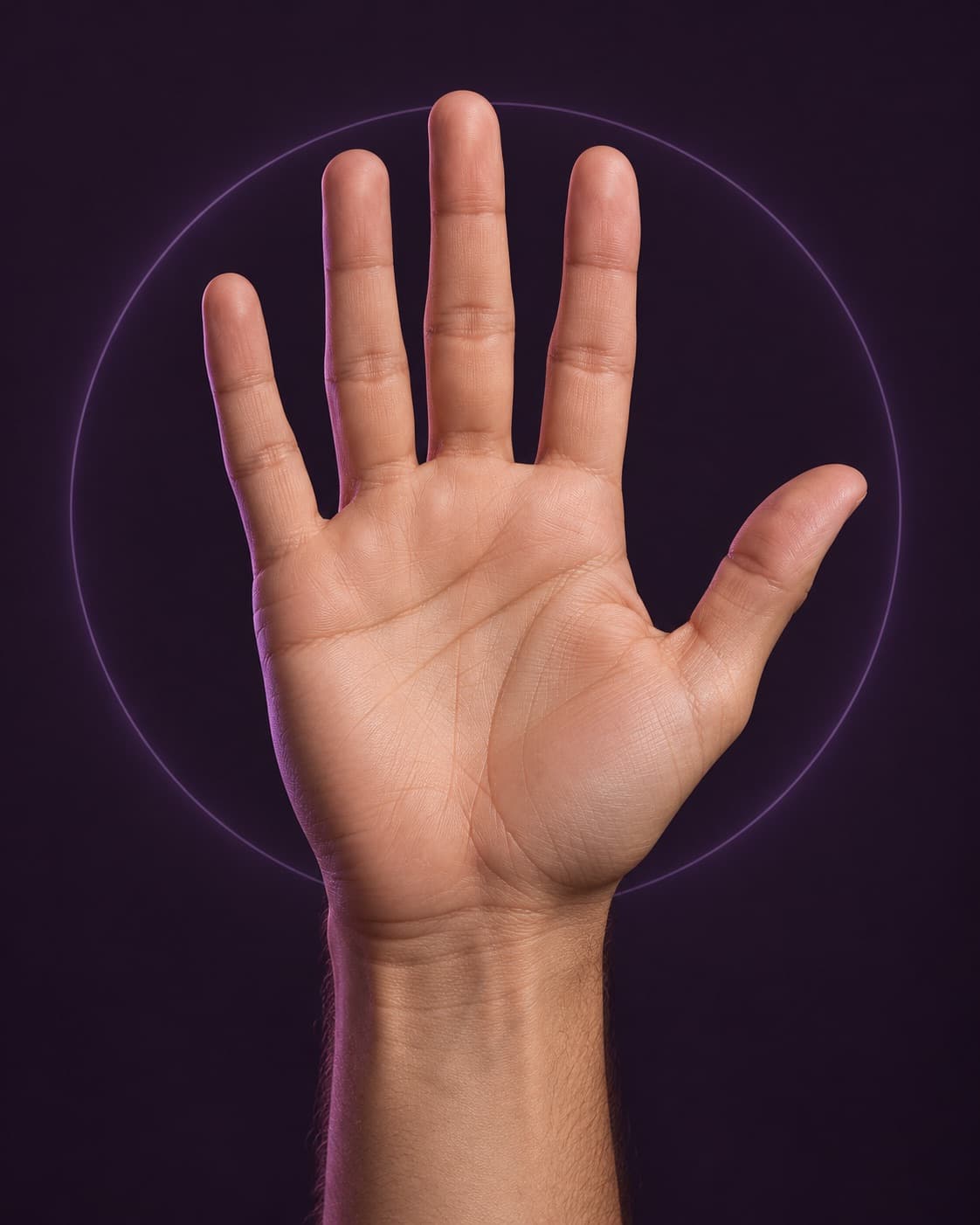
Photo guide
How to take your hand photo
A simple photo guide for a smoother start.
Place your hand on a plain background. Hold the camera directly above it, with the whole hand visible. Keep your fingers straight and slightly apart.
Choose even lighting. Avoid deep shadows, blur, jewellery covering the hand and a camera angle from the side. Check the photo before you upload.
Use a JPG, PNG or WebP file smaller than 15 MB. Choose For him or For her to match the hand in your photo. Upload only a photo you have permission to use.
A clear photo helps the service process the image. It does not turn the result into an anatomical measurement. You can see the available scan plans before paying.
Whole hand visible. Plain background. Even lighting.